Track every hour. Invoice in seconds. Know your real rate.
You juggle multiple clients with shorter engagements. Ambital keeps time tracking, invoicing and capacity visible - so you always know where you stand financially.
Join the waitlistWe get how you work
This is your reality - and Ambital is built around it.
What Ambital gives you
Features built specifically for how freelancers actually work.
Time tracking that doesn't get in the way
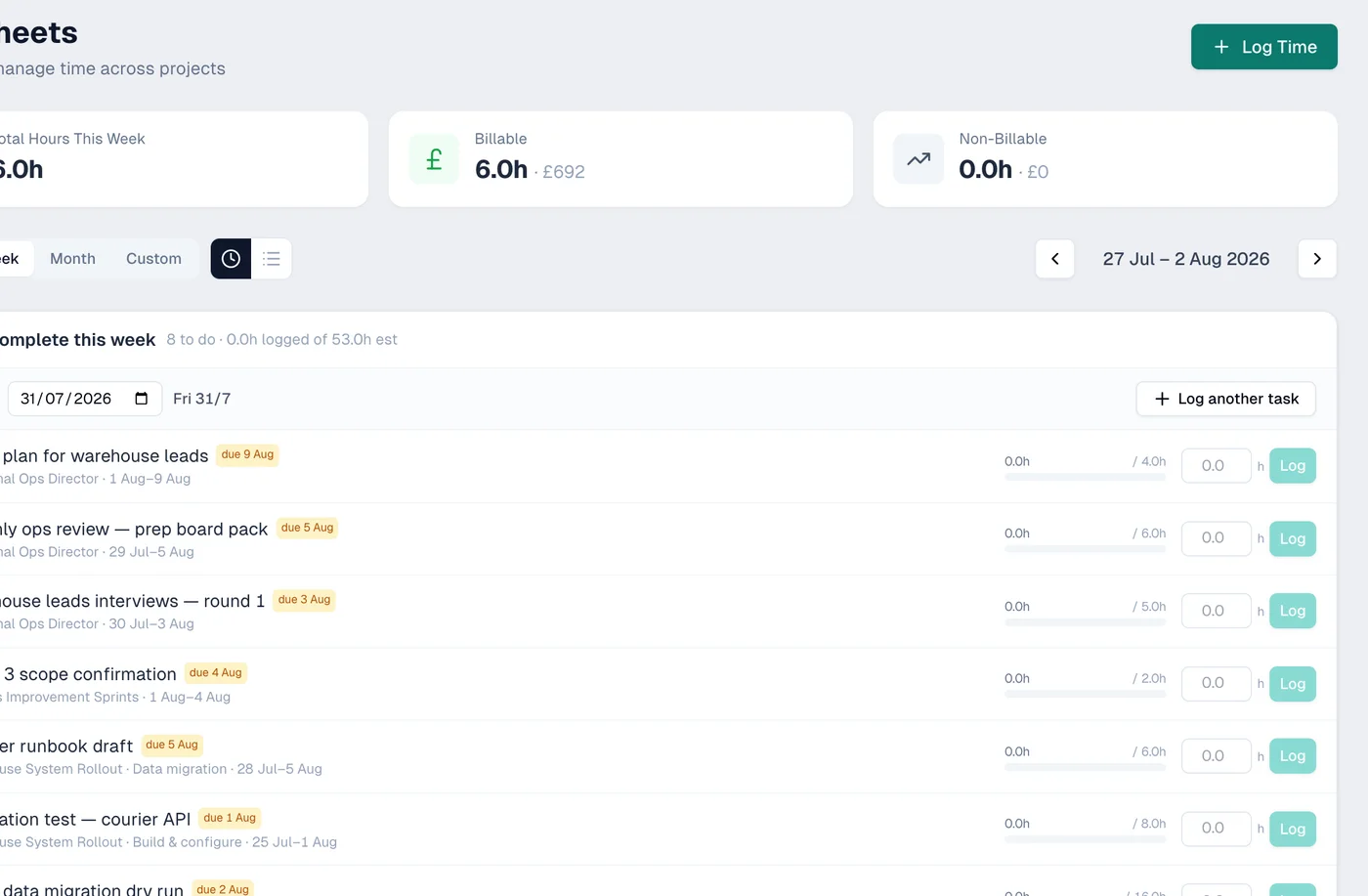
Start a timer, log hours manually, or backfill at the end of the day. Ambital tracks billable and non-billable time against projects and tasks - and feeds it directly into invoices.
- One-click timer or quick hour logging per task
- Billable vs non-billable time tracking
- Rounding increments - exact, 5-minute or 15-minute
- Timesheet approval workflow (draft, submitted, approved)
Invoicing from tracked time
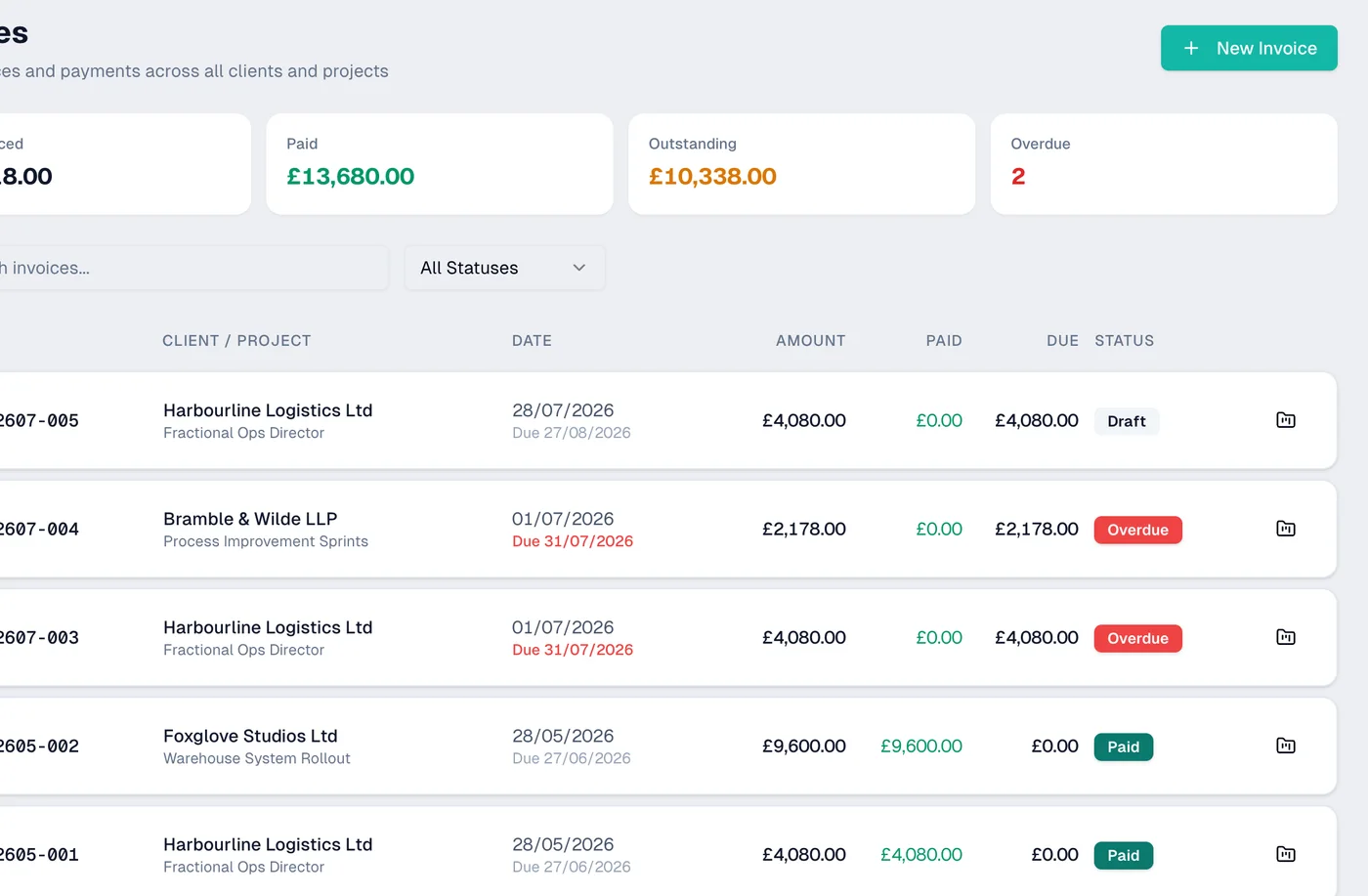
Stop copying hours into spreadsheets. Generate invoices directly from your tracked time - line items, rates and totals are already there. Batch invoice multiple clients at month end.
- Generate invoices directly from tracked time
- Batch invoicing across multiple clients at once
- Configurable payment terms per client (net 7, 14, 30)
- Invoice status tracking - draft, sent, paid, overdue
Know your real effective rate
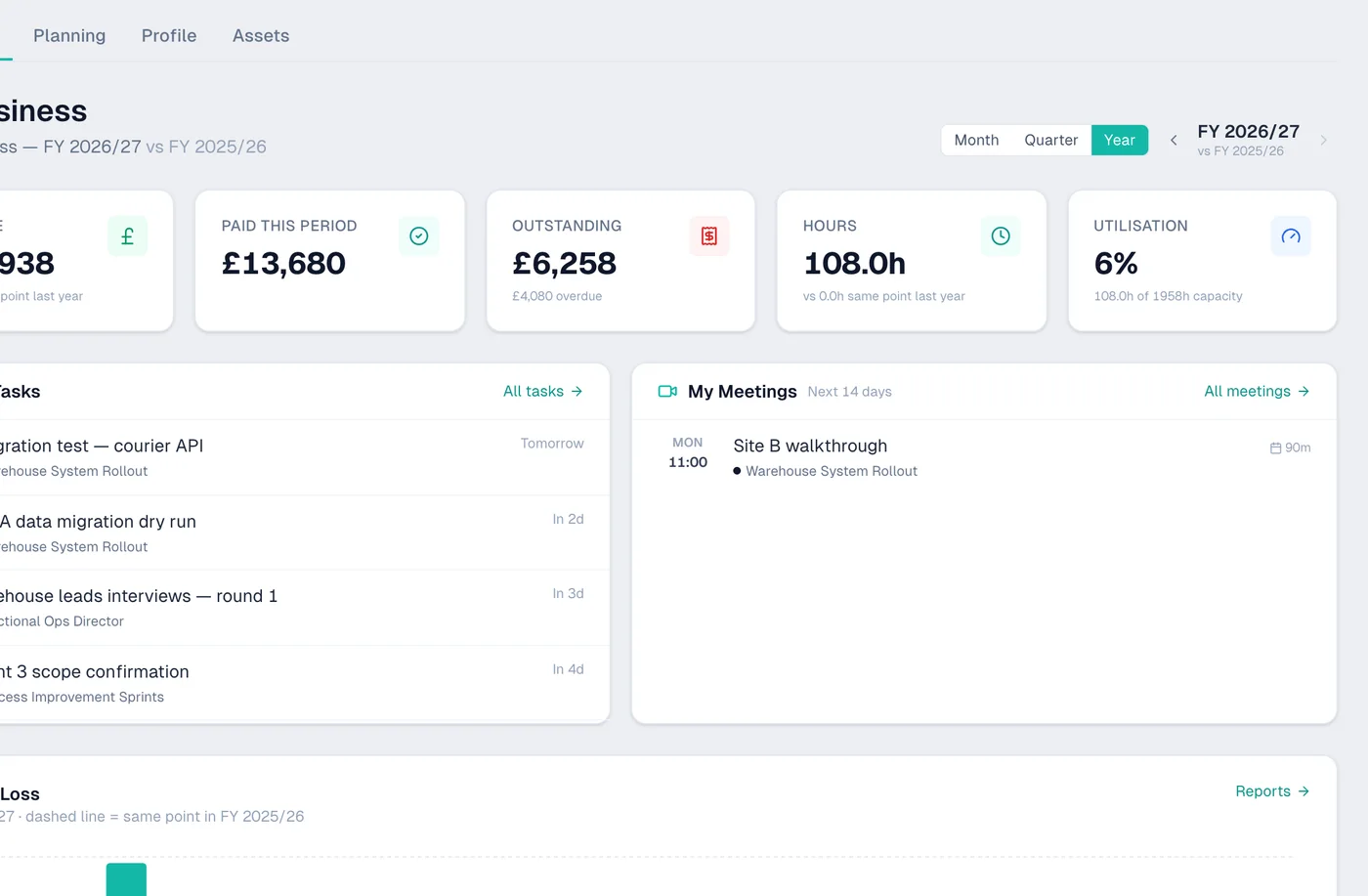
Your rate card says £60/hr - but what do you actually earn when you factor in admin, sales calls, invoicing and unbillable time? Ambital shows you your effective rate across all clients.
- Effective rate dashboard - what you actually earn per hour
- Utilisation reports - billable vs non-billable time
- Per-client and per-project profitability
- Revenue tracking against capacity and targets
Client accounts when you need them
Some clients give you a Google account, most don't. When they do, connect it and link the calendar and email to that project. When they don't, Ambital works just fine with your own account.
- Connect client Google accounts when they give you access
- Link client calendars to their project
- Works perfectly with just your own account too
- Unified calendar view across all connected accounts
Simple pipeline and capacity
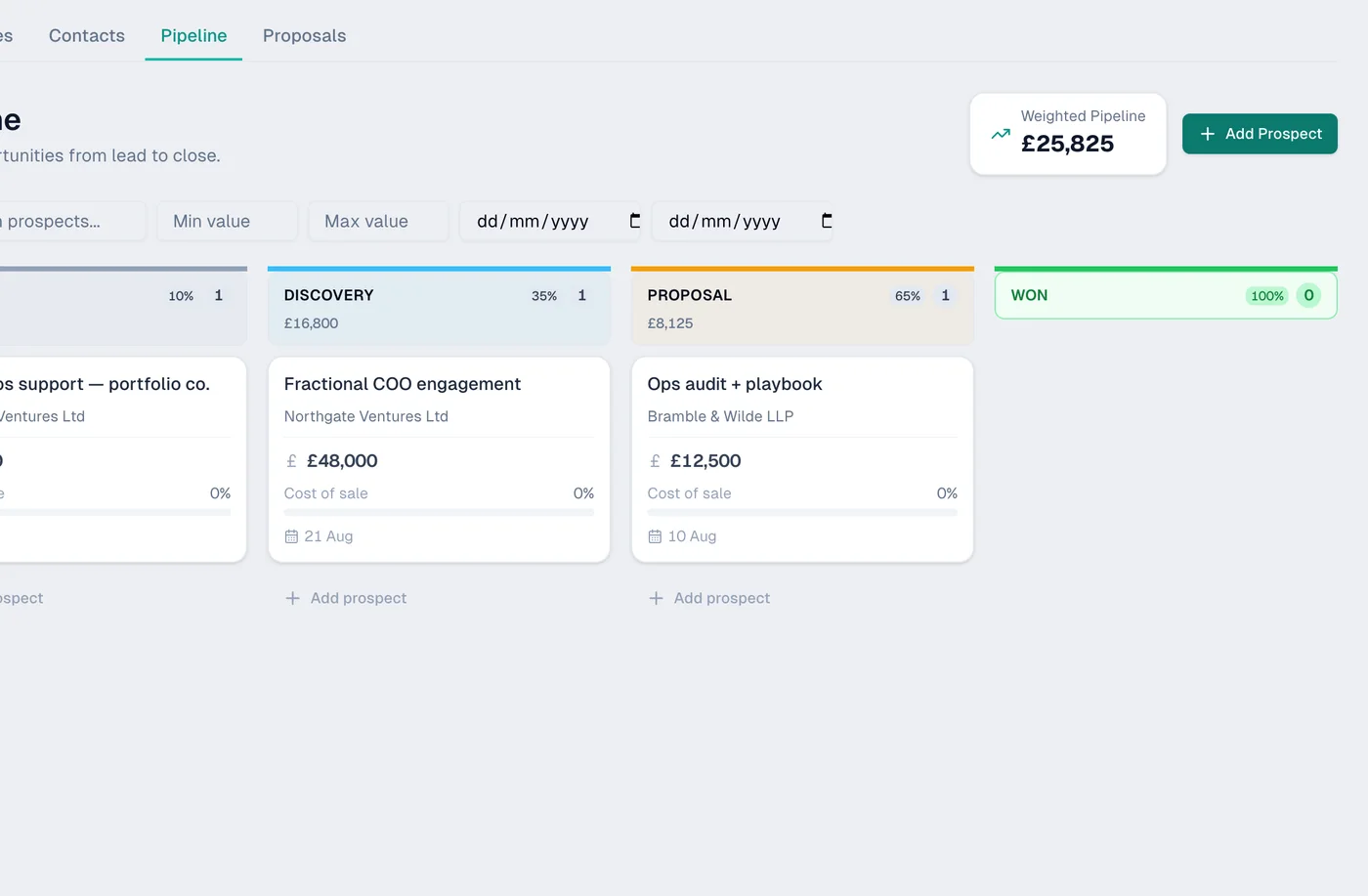
You don't need a CRM - you need to know what's coming in and whether you have capacity. Track enquiries, see your forward availability and avoid overcommitting.
- Simple pipeline to track incoming enquiries
- Hours-based resource planning across clients
- Forward capacity view - see when you're free
- Overcommitment warnings before you say yes
A day in the life
Here's what a typical day looks like with Ambital.
Be first in when we launch
Ambital is in private testing. Pop your email in below and we'll let you in as soon as we open up.