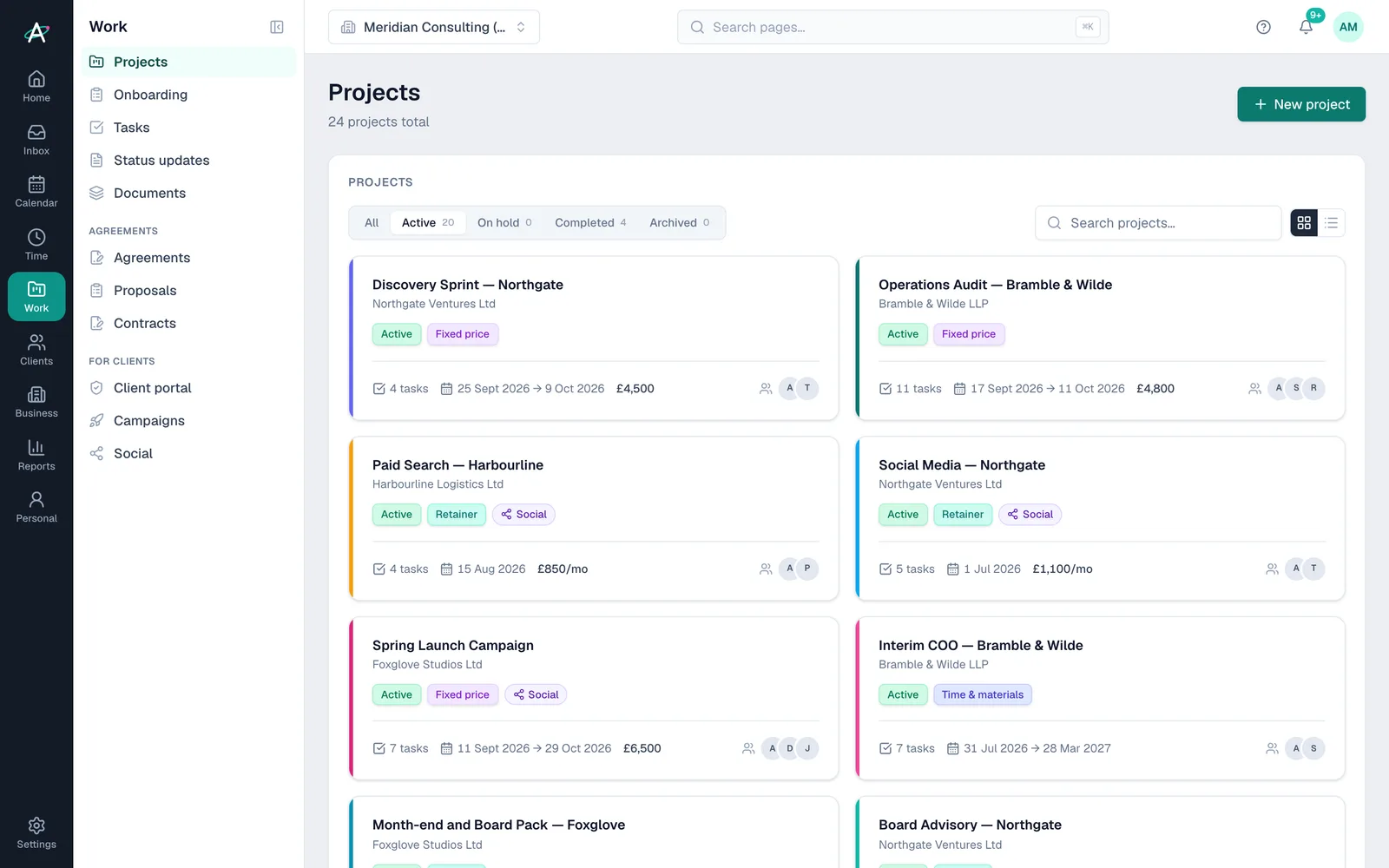
Every project at a glance
The projects list shows each project's billing model, dates, task count and team, filtered by active, on hold, completed or archived.
Projects · Work area
Ambital's projects start with one question: what is this work for? Pick a retainer, a build, a campaign, an audit or another purpose, and Ambital suggests the billing model, the tabs and the starting phases. Tasks, milestones, a Gantt chart, the RAID log, time and margin live on the same project.
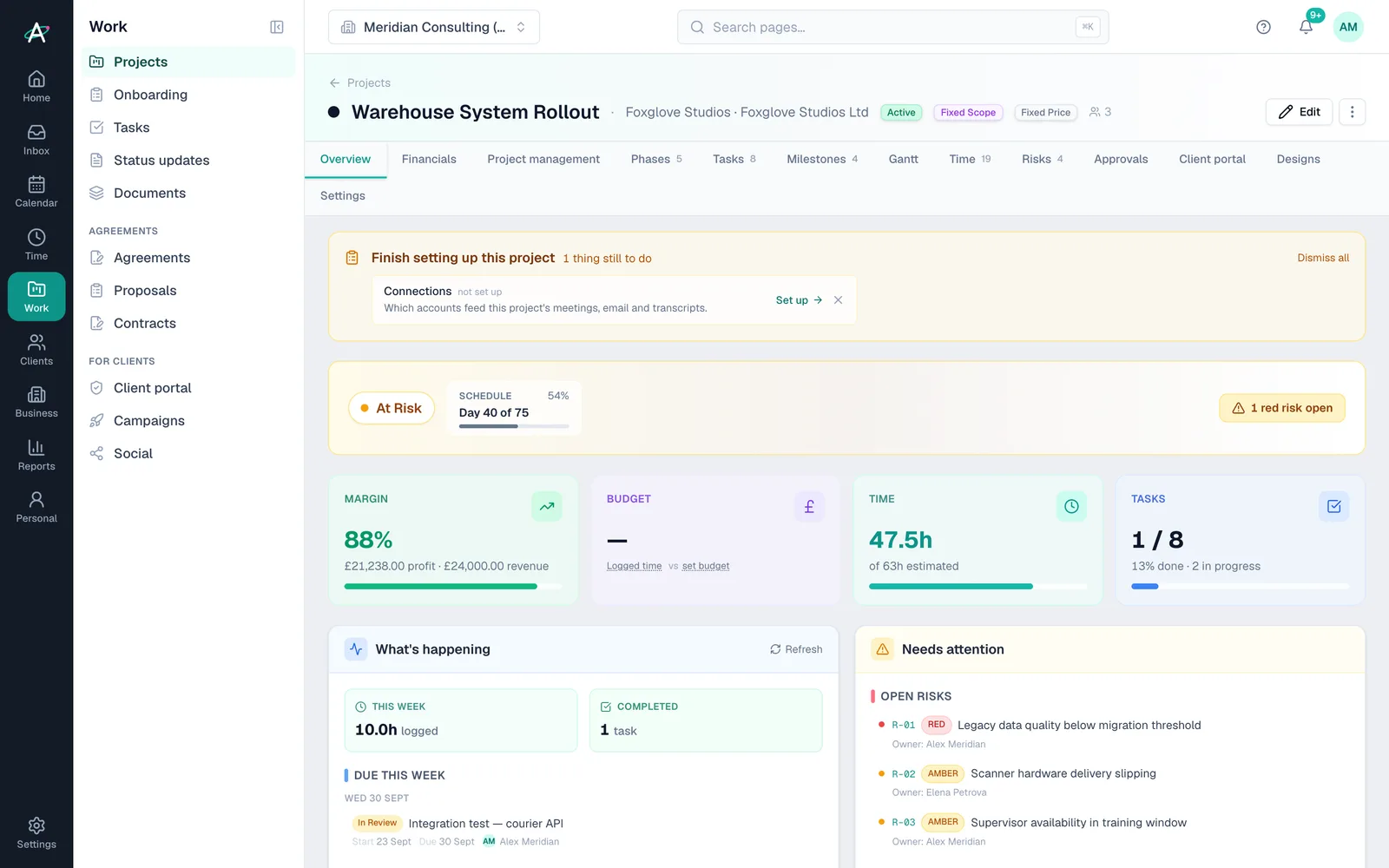
What the wizard sets up
What every project has
How it works
Choose a client project or a non-billable one, then pick its purpose. If none fits, choose Something else.
Rename, reorder or remove the suggested phases, add your own, or skip them and start with none.
Name, client, dates and budget. The tab list is already ticked for that kind of work; change anything you like.
Plan tasks under phases and sections, log time against them and watch budget and margin update as you go.
Inside projects
The projects list shows each project's billing model, dates, task count and team, filtered by active, on hold, completed or archived.
Up to three levels, with To do, In progress, Done and Ongoing statuses. Everything drags, and the order you set is the order clients see.
The Gantt is drawn from the dates on your phases and tasks, so there is nothing separate to keep up. Export it as a PDF, and tasks as a CSV.
Each risk has an owner, a red, amber or green rating, impact, likelihood and a mitigation plan, which Ambi can draft. Decisions are recorded as they are made.
Budget, rates, invoices and the invoice schedule, with margin worked out from logged time at cost, expenses and supplier bills.
Save a project's shape, with its phases, tasks, milestones and invoice schedule, and start the next one from it. From Business.
Plans
| Feature | Free · £0 | Pro · £39 | Business · £59 | Business Pro · £79 | Teams · £150 |
|---|---|---|---|---|---|
| Projects, tasks, phases, milestones and Gantt | Included | Included | Included | Included | Included |
| RAID log, decisions and project financials | Included | Included | Included | Included | Included |
| Unlimited active projects (Free has 2) | Not included | Included | Included | Included | Included |
| Clients approve from an email link | Not included | Not included | Included | Included | Included |
| Client portal | Not included | Not included | Not included | Included | Included |
| Project templates | Not included | Not included | Included | Included | Included |
Questions about projects
Ambital is in private beta. Apply to test and you'll get in first, with free months at launch for committed testers.
Free plan · No card required · Built in the UK