Marketing · Paid ads management
Client management for paid ads consultants
For PPC and paid social specialists and performance marketing consultants. Ad accounts live on the platforms. What Ambital holds is everything around them: the creative the client approved, the budget against spend, and the results you report each month.
Needs Business or above · Designs with Canva and Figma from pro
How it's soldSold as a monthly management retainer, usually a fee plus a percentage of media spend.
What you get
Pick “Paid ads management” and this is set up for you
When you create a project, Ambital asks what it's for. The answer sets the billing model, the phases and the tabs. Change any of it, or save your own version as a template.
How project setup works →Paid ads management
Ad accounts, creative sign-off, spend and results.
Phases
- Setup
- Launch
- Optimise
- Report
Tabs switched on
- Overview
- Financials
- Tasks
- Time
- Phases
- Campaigns
- Approvals
- Client Portal
- Calendar
- Social
The setup also asks how the client signs off: in the portal, or by emailed link for clients who'd rather not log in.
How it runs
Paid ads management, run through Ambital
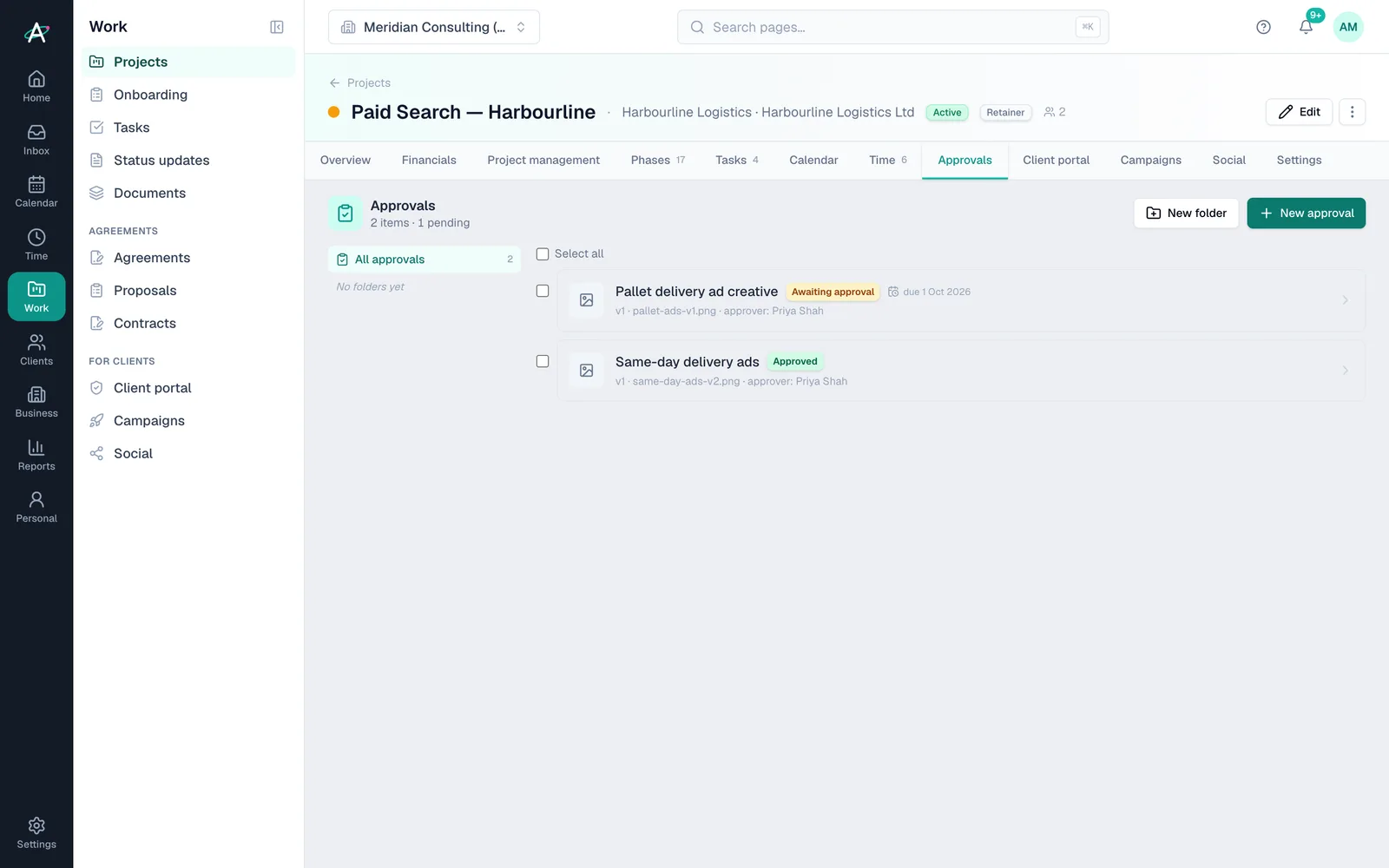
Creative approved before it spends
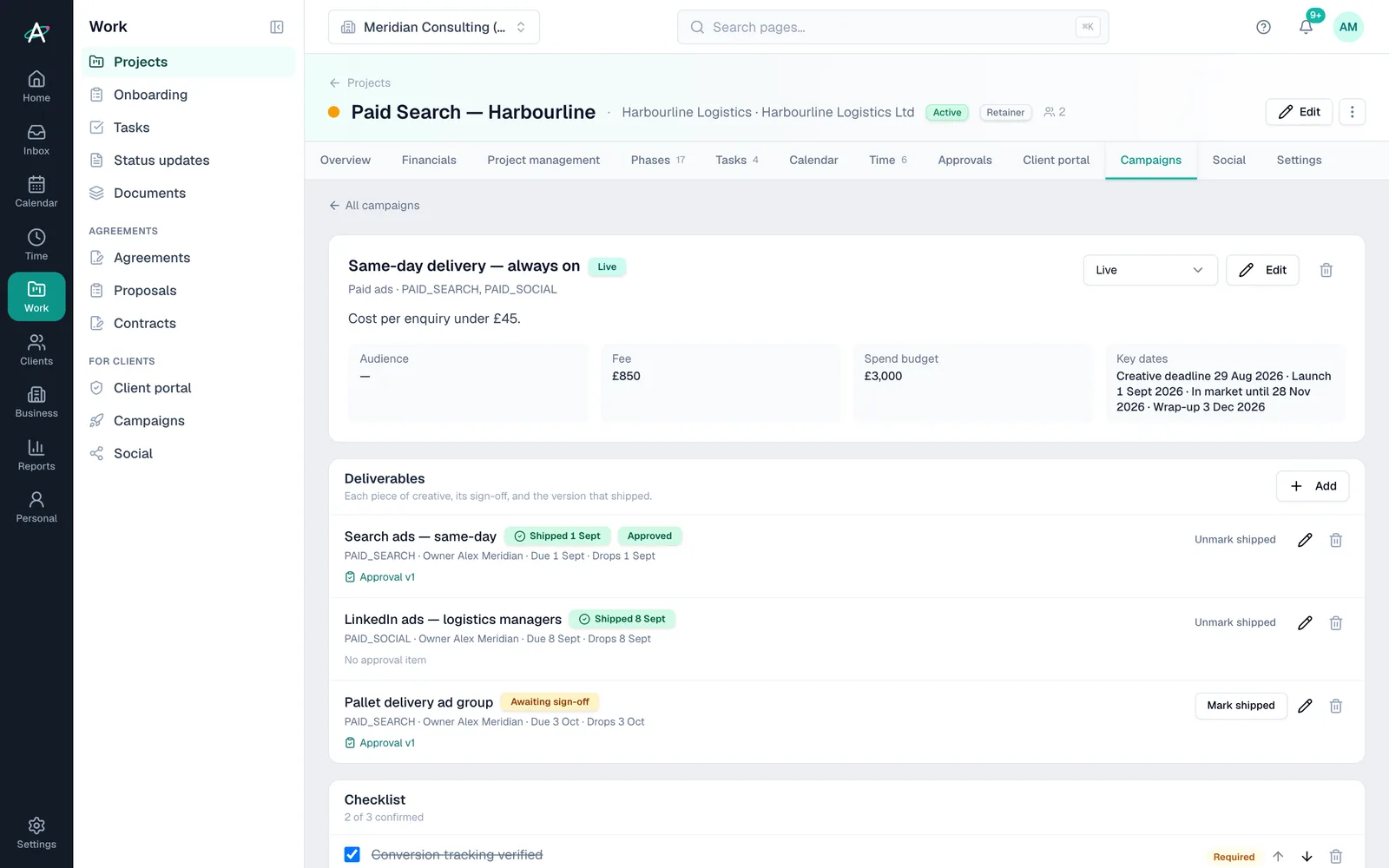
Ad creative as deliverables, sent for sign-off with versions. Nothing goes live on a client's money without a recorded approval.
- Approvals with versionsFrom Business
- Deliverables per channelFrom Business
- Canva and Figma linksFrom Pro
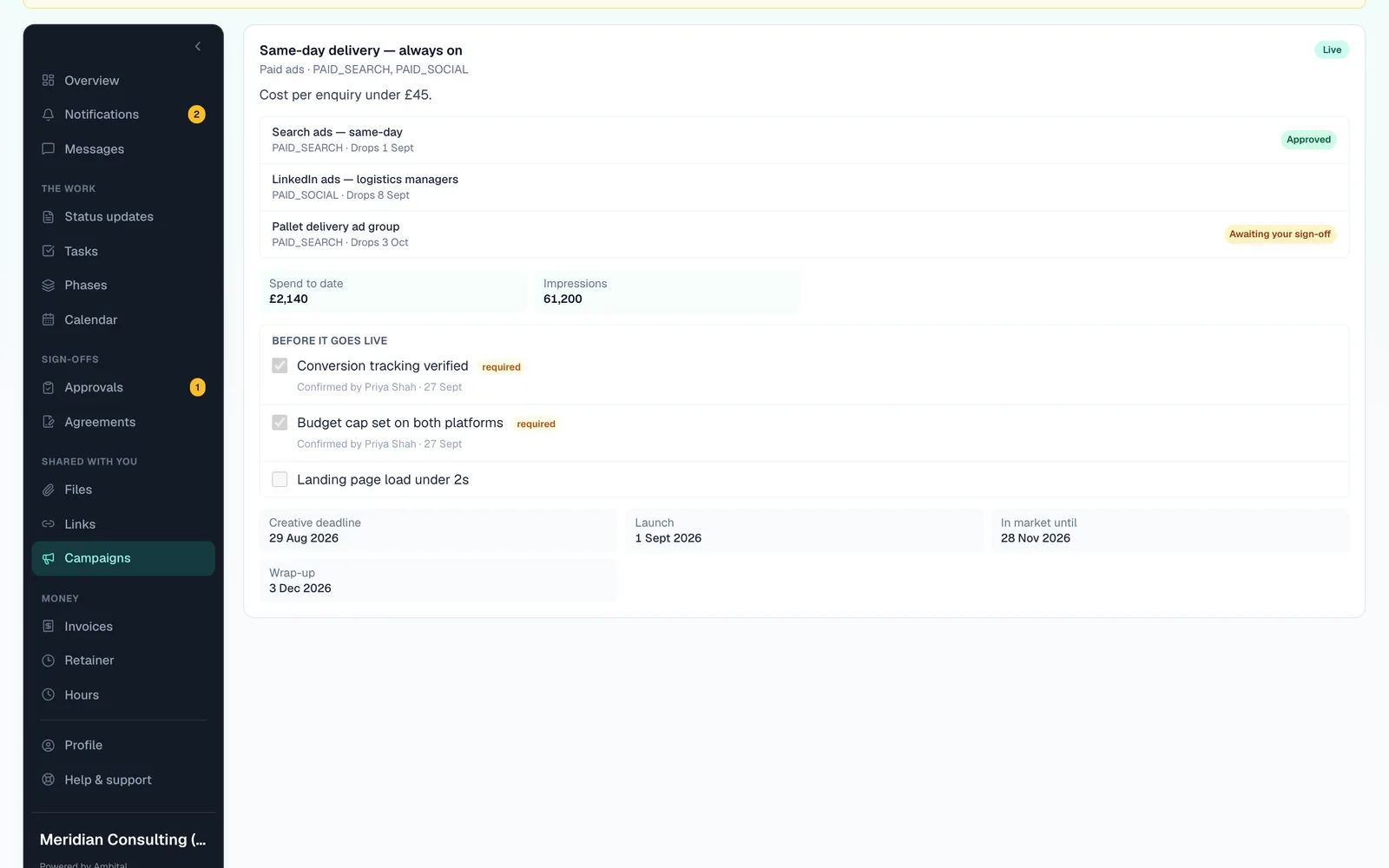
Setup, launch, optimise, report
Phases that match how paid work runs, with a checklist the client ticks before launch and results for the monthly report.
- PhasesEvery plan
- Client checklistFrom Business
- Results and spendFrom Business
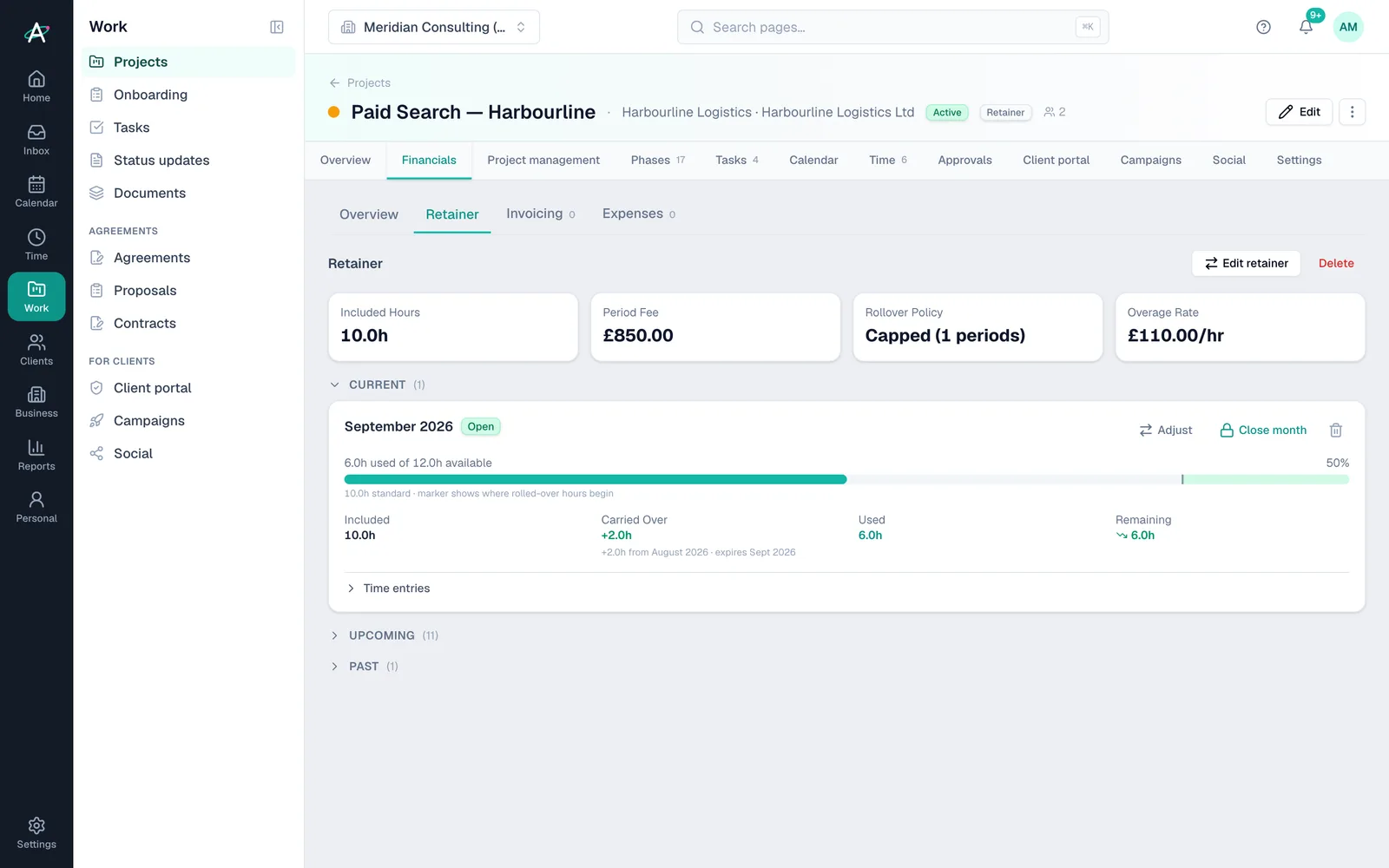
Fee and spend, kept apart
Your management fee as a retainer, and media spend recorded against the campaign, so the margin on the fee is never muddled with the client's budget.
- Retainer feeEvery plan
- Campaign spend and budgetFrom Business
- Recurring invoicesEvery plan
Start to finish
An always-on paid search account, first month
- Week 1SetupManagement fee on the retainer, media budget on the campaign, kept apart.
- Week 2Creative approvedAd variations go for sign-off. Nothing spends without a recorded approval.
- Week 2ChecklistThe client confirms tracking and landing pages in the portal.
- WeeklyOptimiseSpend and results are recorded against the campaign as you go.
- Month endReport and invoiceResults for the report, and the fee invoiced on the retainer.
Client names are fictional, from Ambital's demo organisation.
Everything it uses
The features, and the plan each needs
Each links to a step-by-step guide in the help centre.
- Phases and client checklistEvery plan
- RetainersEvery plan
- Campaigns with results and spendFrom Business
- Client approvals by email linkFrom Business
- Designs with Canva and FigmaFrom Pro
Works with Google Workspace, Microsoft 365, Google Drive, Slack, Canva, Figma. Every integration →
Paid ads management questions
Straight answers
- Does Ambital connect to Google Ads or Meta?
- Not directly. Spend and results are entered, or sent in by webhook, against the campaign.
- Can I charge a percentage of spend?
- Yes. Keep the fee on the retainer and record spend on the campaign, then invoice the percentage alongside the fee.
- Can the client approve ad creative?
- Yes. Creative goes out as an approval with versions, in the portal or by emailed link.
- Which plan do I need?
- It needs Business (£59 a month) or above. Prices exclude VAT.
Often run alongside
Who runs paid ads management
Be first in when we launch
Ambital is in private beta. Apply to test and you'll get in first, with free months at launch for committed testers.
Free plan · No card required · Built in the UK