Retainers · Interim and embedded roles
Timesheets and client inboxes for interim and fractional roles
For fractional COOs and CMOs, interim managers and anyone on a day rate inside a client. You're inside the client's business a few days a week. Connect the account they gave you, keep it separate from your own, and log the days without exporting anything.
Runs on every plan · Personal workspace from pro
How it's soldSold as a day-rate engagement with an agreed number of days a month, reviewed quarterly.
What you get
Pick “Interim or embedded role” and this is set up for you
When you create a project, Ambital asks what it's for. The answer sets the billing model, the phases and the tabs. Change any of it, or save your own version as a template.
How project setup works →Interim or embedded role
You inside the client's business on a day rate: their inbox, their calendar, your timesheet.
Tabs switched on
- Overview
- Financials
- Tasks
- Time
- Schedule
- Calendar
- Decisions
How it runs
Interim and embedded roles, run through Ambital
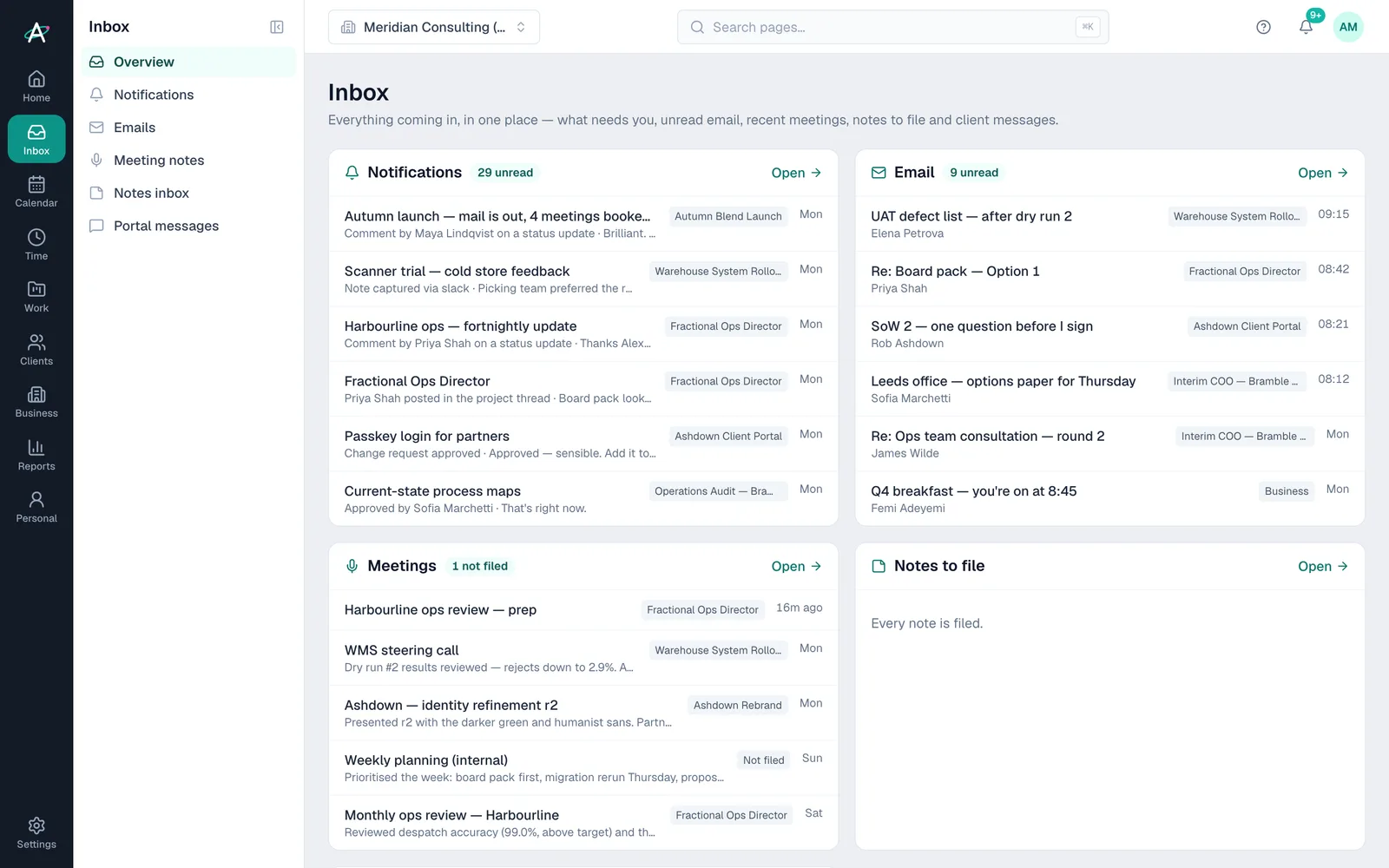
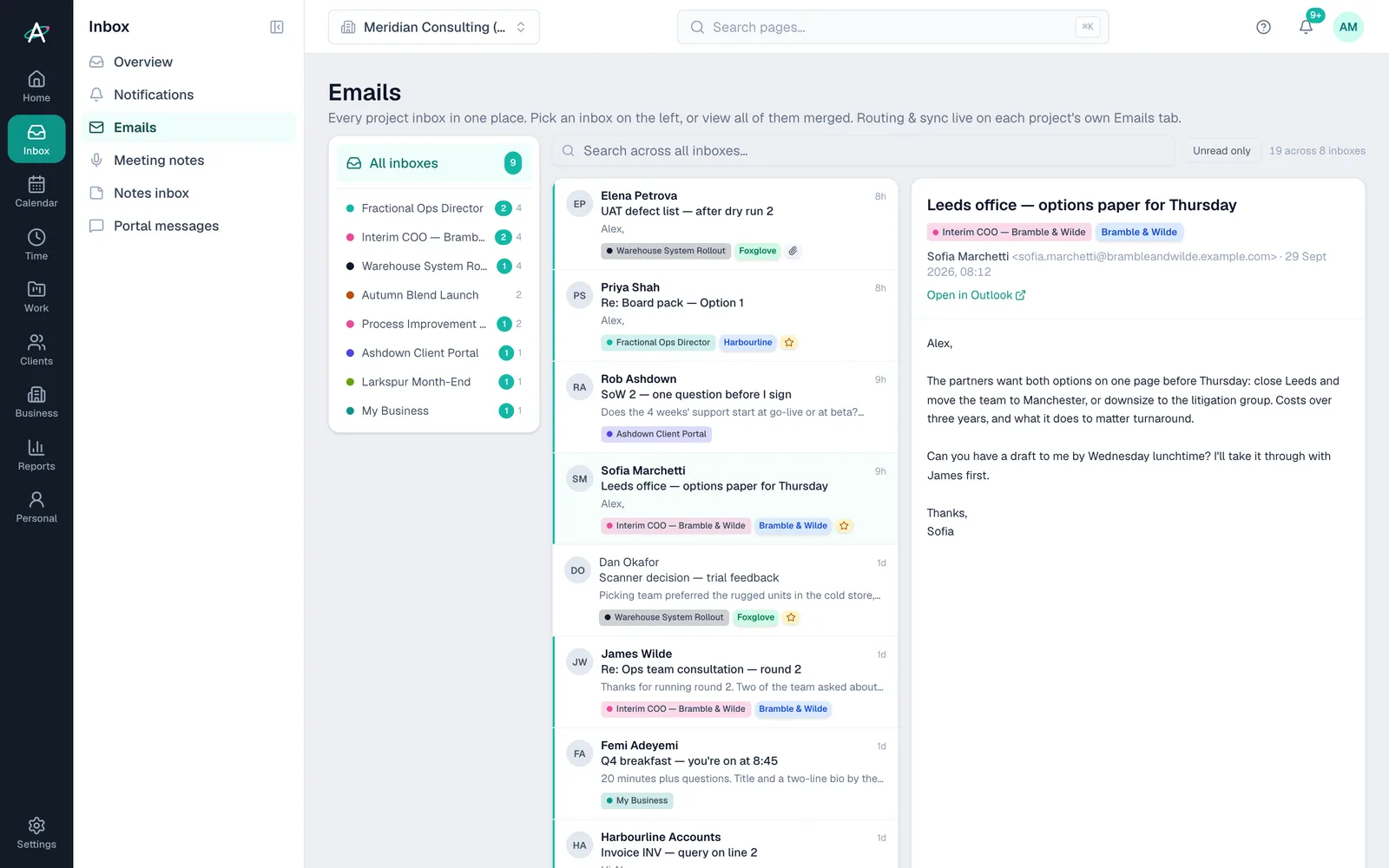
The client-issued account, on your login
Connect the Google or Microsoft 365 account each client gave you alongside your own. Email files itself to the right project, one calendar covers every client, and nothing bleeds between them.
- Several accounts, any domainEvery plan
- Emails routed to projectsEvery plan
- One calendarEvery plan
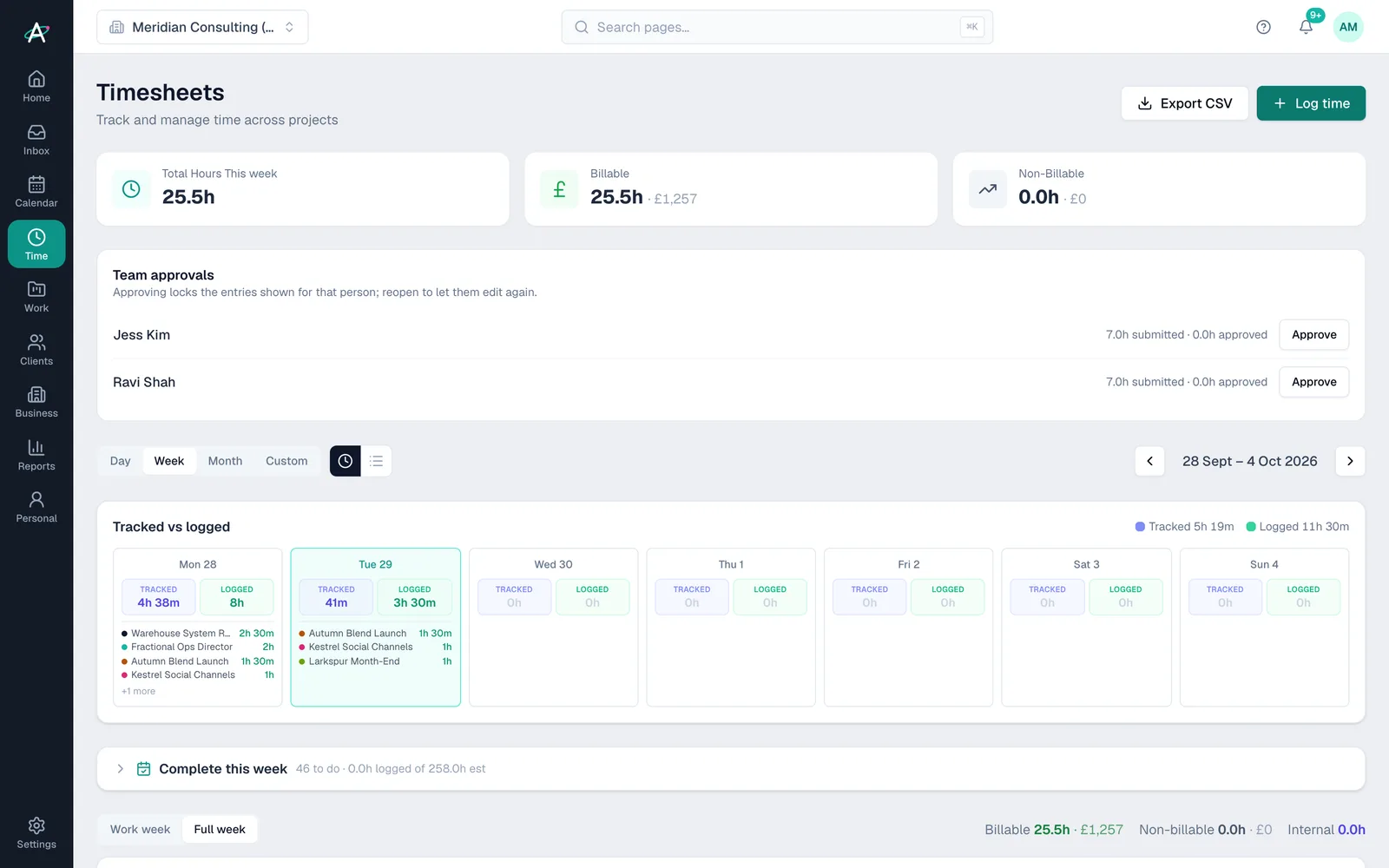
Days logged, invoice ready
Log days or hours against the engagement, or let the desktop tracker fill them in. Timesheets become the invoice at the frequency you agreed.
- TimesheetsEvery plan
- Desktop activity trackerFrom Business
- Time and materials invoicingEvery plan
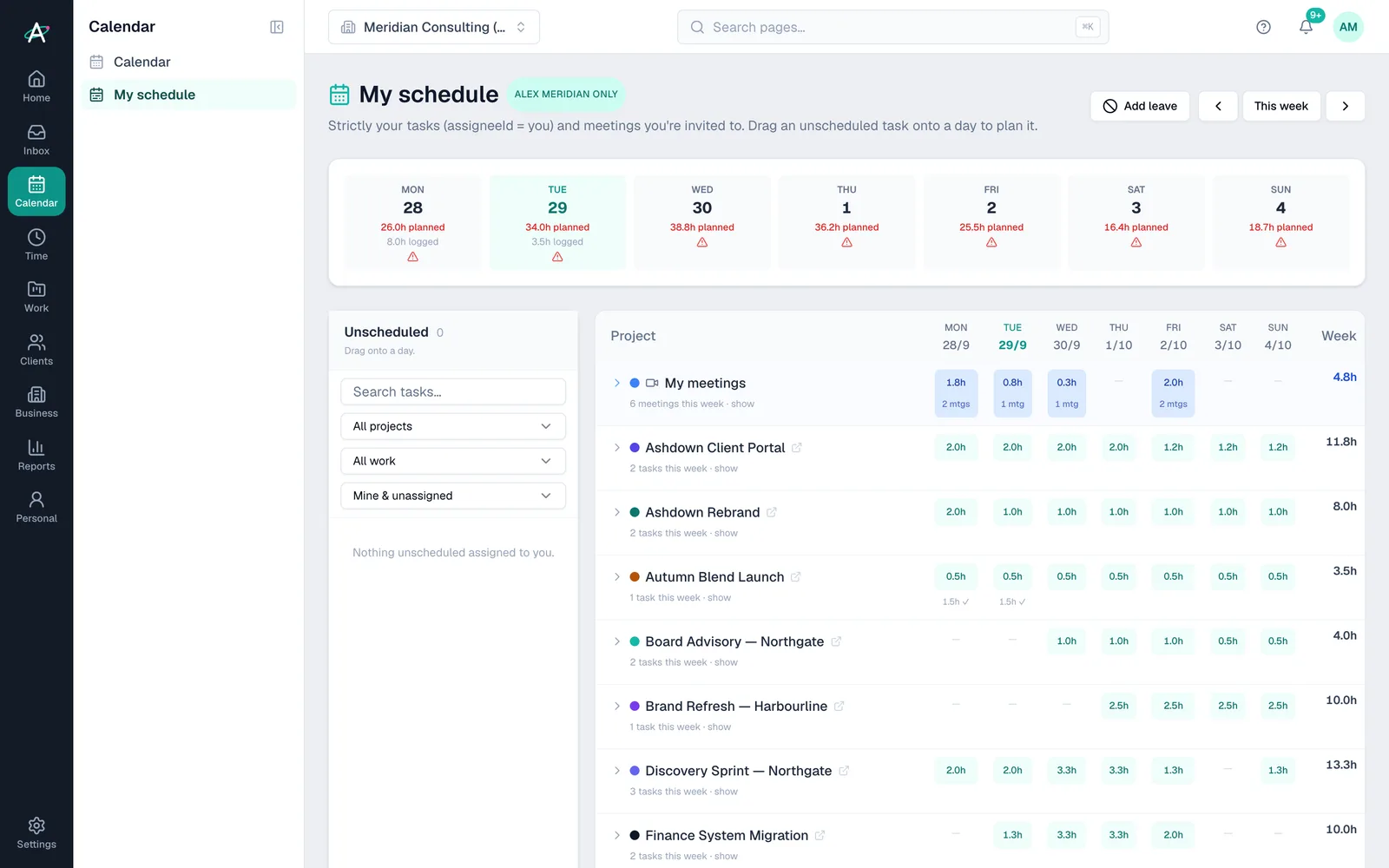
Two or three clients, one week
My Schedule shows planned days per client per day, meetings included, so the week adds up before it starts.
- My ScheduleEvery plan
- Personal tasks kept apart from client workFrom Pro
- UtilisationEvery plan
Start to finish
Three days a week inside a client, two elsewhere
- Day 1Account connectedThe client's Microsoft 365 account sits beside your own. Their email files to their project.
- MondayThe week plannedMy Schedule shows three days at one client and two at another, meetings included.
- On siteTime as you goHours log against the engagement, or the desktop tracker fills them in.
- FridayThe week adds upTimesheets show days per client, ready to invoice.
- Month endInvoiceThe month's days become a time and materials invoice at your day rate.
Client names are fictional, from Ambital's demo organisation.
Everything it uses
The features, and the plan each needs
Each links to a step-by-step guide in the help centre.
- Google and Microsoft 365, per clientEvery plan
- Email and meeting routingEvery plan
- TimesheetsEvery plan
- My ScheduleEvery plan
- Day-rate invoicingEvery plan
- Personal workspaceFrom Pro
- Desktop activity trackerFrom Business
Works with Google Workspace, Microsoft 365, Fireflies.ai, Slack, Early, Calendly. Every integration →
Interim and embedded roles questions
Straight answers
- Can I connect the email account a client gave me?
- Yes. Google Workspace or Microsoft 365 on any domain, alongside your own. Its email files against that client's projects.
- How many accounts can I connect?
- It depends on the plan: the pricing page lists the number of connected accounts for each one, and extra inboxes can be added.
- Will the client's IT team need to approve it?
- Sometimes, for Microsoft 365. There's a page for their IT admin that explains exactly what Ambital can and can't access.
- Which plan do I need?
- Every plan can run it, including Free. Most people choose Business at £59 a month for desktop activity tracker. Prices exclude VAT.
Often run alongside
Who runs interim and embedded roles
Be first in when we launch
Ambital is in private beta. Apply to test and you'll get in first, with free months at launch for committed testers.
Free plan · No card required · Built in the UK